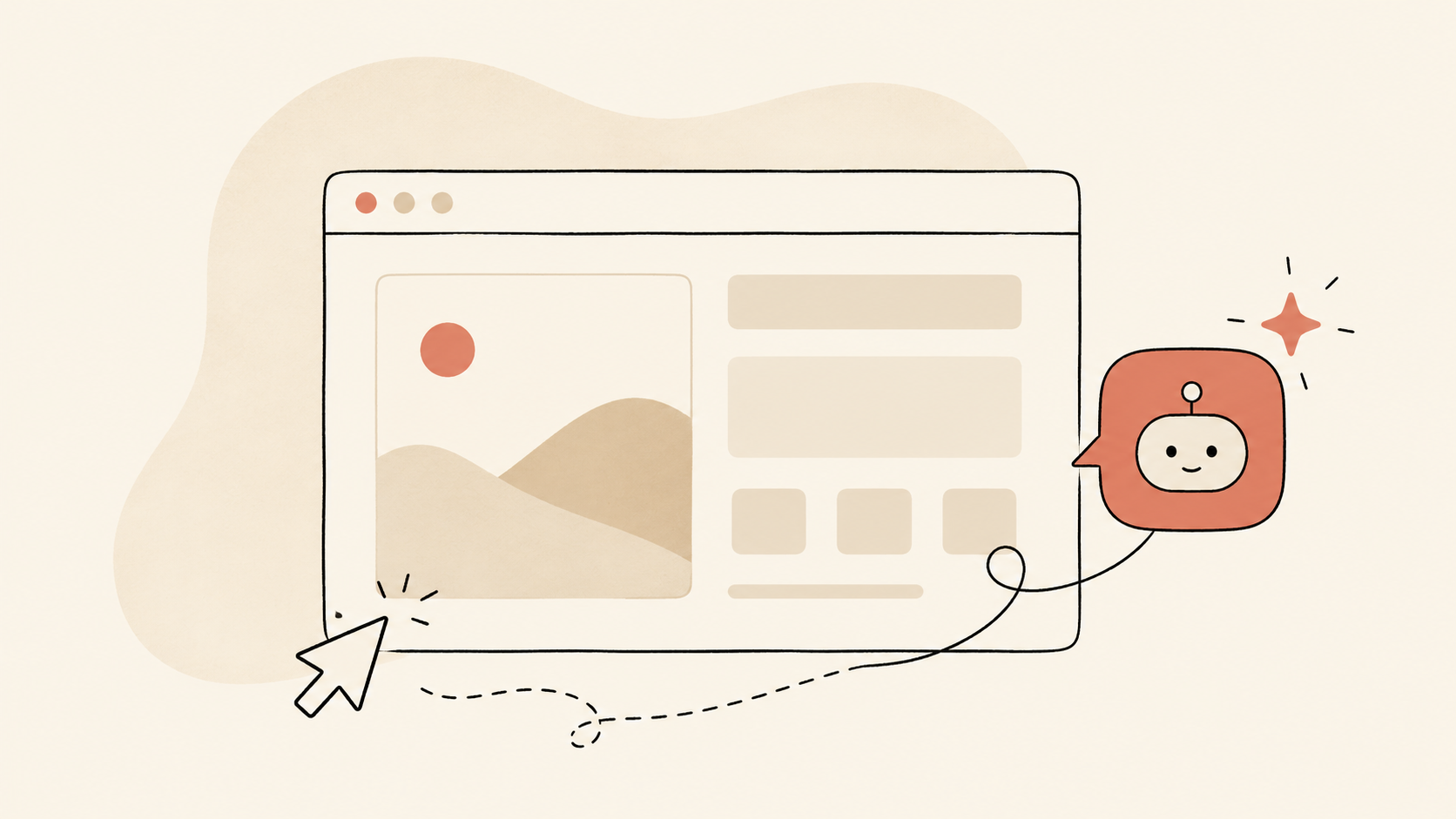
"AI-powered website" is one of those phrases that's used so loosely it's almost lost meaning. It can mean an AI chatbot in a corner of the page, or an entire codebase generated by Cursor, or a CMS with AI content generation features, or a real-time personalization engine — or any combination of those, badly mashed together for the sales pitch. This guide cuts through the noise. It walks through what "AI-powered website" actually means in 2026, which features genuinely move the needle for businesses, what's marketing fluff, and how to scope a project so you don't end up with an expensive box of disconnected AI gimmicks.
The honest definition
An AI-powered website is a website where artificial intelligence is built into the visitor experience, the operator experience, or both, in a way that delivers measurable value beyond what a traditional website would.
That definition deliberately excludes:
- A static website with a generic chatbot widget bolted on (that's a website with a chatbot)
- A website where the developer used AI to write code (that's a normally-built website)
- A website with AI-generated content but no runtime AI features (that's a content marketing decision)
It includes:
- Websites with real-time personalization driven by AI
- Websites with conversational search and discovery
- Websites with AI-driven recommendations and pathfinding
- Websites with embedded AI agents handling specific tasks
- Websites where the CMS, search, and analytics use AI to operate better
- Websites with intelligent forms, intelligent lead routing, and intelligent qualification
The differentiator is that AI is doing something useful at runtime, not just at build time.
The five layers of an AI-powered website
Most genuinely AI-powered sites in 2026 have AI working at one or more of five layers:
Layer 1: Conversational interface
The most visible layer. AI chat or voice assistants embedded in the website, capable of:
- Answering visitor questions in natural language
- Booking appointments, capturing leads, processing transactions
- Switching languages mid-conversation
- Handing off to humans when needed
Done well, this replaces "contact us" forms, FAQ pages, and basic support flows. For deeper coverage, see what AI chatbots actually cost in 2026 and multilingual AI chatbots.
Layer 2: Intelligent search and discovery
Replacing keyword search with AI semantic search. The visitor describes what they want in their own words, and the site returns the right result — whether that's a product, a service page, a piece of content, or a person.
For e-commerce specifically, AI search lifts conversion meaningfully because it handles the kinds of natural-language queries traditional keyword search can't. "I need a laptop for video editing that costs under $1,500" works in AI semantic search and breaks in traditional keyword search.
Layer 3: Personalization
Real-time personalization driven by AI inference about the visitor's intent and context:
- Showing different homepage hero content based on visitor segment
- Recommending products, services, or content based on observed behavior
- Adjusting calls to action based on visitor profile
- Customizing pricing displays based on segment
- Showing localized content automatically
The trick is that personalization only works when the underlying signal is strong enough. AI helps because it can infer from sparse signals — a single behavior cue can drive useful personalization where traditional rules would need many.
Layer 4: Form intelligence
Forms get smart. A "contact us" form becomes a conversational interface that asks adaptive questions based on what the visitor already told you. A "request a quote" form skips fields it can infer and asks deeper questions where the answer matters. Lead routing happens automatically based on what the AI extracts.
Form intelligence sounds modest until you measure it. Conversion rates on intelligent forms typically beat traditional forms by 20–60% because friction drops dramatically.
Layer 5: Operator intelligence (CMS, analytics, ops)
The invisible layer. AI working behind the scenes for the people running the site:
- Content drafts generated from briefs (with human review)
- SEO suggestions based on real-time performance
- Visitor analytics that surface insights rather than just data
- Automatic A/B testing and optimization
- Anomaly detection and alerting
This is where most "AI website builder" SaaS tools claim to add value. The honest answer is they add some — but the meaningful wins come from a CMS that's actually integrated with your stack, not a generic one.
What's actually worth building
Not every AI feature is equal. The honest priority list for most service and e-commerce businesses:
High ROI, build first:
- Conversational interface (chat, often + voice) — handles support and lead capture 24/7
- Intelligent search — for sites with meaningful content or product depth
- Personalized recommendations — especially for e-commerce
Medium ROI, build second:
- Form intelligence — replace static "contact us" with adaptive flows
- Operator-side AI in CMS — content drafting, SEO suggestions
- AI-driven content recommendations — for content-heavy sites
Lower ROI, build only if specific case:
- Real-time personalization at the page level (high cost, high complexity)
- AI-driven price optimization (margin risk, niche use cases)
- AI-generated dynamic landing pages (often overpromised)
If you can only do one, do conversational interface. If you can do three, add intelligent search and personalized recommendations. Everything else can wait.
What's marketing fluff
Patterns that sound impressive in pitches and don't deliver:
- "AI-designed website." Usually means the developer used AI tools to generate templates. The website itself isn't AI-powered at runtime. Fine, but don't pay extra for it.
- "AI-optimized SEO." Often means an SEO plugin used AI to draft meta descriptions. Useful but minor — and not a differentiator.
- "AI-generated content updates." Auto-publishing AI content without human review damages SEO and brand. Skip.
- "AI-driven A/B testing on autopilot." Tools exist; results vary wildly. Often not worth the complexity for SMB sites.
- "AI-powered analytics dashboard." Most of these are just classic dashboards with a chat interface bolted on.
- "Predictive AI for visitor intent." Sometimes useful at scale, often theatrical for SMB traffic volumes.
The honest filter: does the AI do something useful at runtime that delivers measurable business value? If not, it's probably fluff.
How AI-powered websites differ from "AI websites built fast"
A confusing parallel trend: AI tools that build websites quickly (Cursor, v0, Lovable, Bolt, AI-driven site builders). These are about build-time productivity, not runtime AI features. A site built with v0 in two hours can be completely traditional — fast HTML/CSS/JS with no runtime AI at all.
The two trends are independent. You can have:
- An AI-powered website built traditionally (lots of runtime AI features, hand-coded)
- A non-AI website built with AI tools (no runtime AI, but fast development)
- An AI-powered website built with AI tools (both)
- A non-AI website built traditionally (neither)
Don't confuse "the developer used AI" with "your website uses AI." Different things.
What an AI-powered website costs to build
For a custom AI-powered website with meaningful runtime AI features — say, conversational interface + intelligent search + personalized recommendations — typical 2026 cost ranges:
| Scope | Setup | Monthly |
|---|---|---|
| Light AI-powered site (chat + basic personalization) | $15,000–$35,000 | $500–$2,000 |
| Standard AI-powered site (multi-feature, integrated) | $35,000–$80,000 | $1,500–$5,000 |
| Complex AI-powered e-commerce | $50,000–$200,000+ | $3,000–$15,000 |
| Custom AI-powered platform (SaaS or marketplace) | $100,000–$500,000+ | $10,000–$50,000+ |
The setup cost mostly reflects integration depth and the number of AI features built into the experience. The monthly cost reflects AI API usage (varies with traffic), hosting, and ongoing improvement.
For broader pricing context, see what AI chatbots actually cost in 2026 and free AI tools vs. agency hidden costs.
What changes for visitors
A few things visitors actually notice on a well-built AI-powered site:
- They get useful answers without navigating menus
- Search returns the right thing on the first try
- The site "feels" relevant to them specifically
- Forms feel like conversations instead of interrogations
- They can use the site in their preferred language
- Mobile experience feels conversational rather than form-driven
- They get personalized recommendations that aren't generic
The cumulative effect is harder to articulate than any single feature. Visitors don't say "this site uses AI." They say "this site gets me," and they convert at meaningfully higher rates.
What changes for operators
What changes for you, the operator:
- Less time spent on tier-1 support (handled by AI)
- More qualified leads (intelligent forms + chat qualify before handoff)
- Better data on what visitors actually want (AI surfaces patterns)
- Faster content production (AI drafts, humans edit)
- Easier SEO/AEO maintenance (AI suggests, humans approve)
- Multi-language support without separate sites
- Personalization without complex rules engines
Pay particular attention to the data point. AI-powered sites generate much richer behavioral signal than traditional sites because the conversational interface and intelligent search reveal intent that classic analytics never captures. That signal becomes input for the next round of improvement.
How to scope a project
If you've decided an AI-powered website is right for you, our recommended scoping sequence:
- Audit your current site. What's converting, what's not, where visitors drop off
- Define the visitor outcomes that matter. Leads captured, demos booked, purchases completed
- Identify the AI features that map to those outcomes. Don't build features that don't ladder up to a specific outcome
- Prioritize ruthlessly. Pick 2–3 features for phase 1; defer the rest
- Scope a phased plan. Phase 1: foundation + 2–3 features. Phase 2: refinements + 1–2 more. Phase 3: full feature set.
A common mistake: trying to launch with every AI feature at once. The features that matter most depend on real visitor data, which you don't have until you've launched something. Iterate.
For implementation timeline detail, see the AI implementation timeline.
Common project mistakes
A few patterns that consistently produce bad outcomes:
- Bolting AI onto a broken site. If your site has fundamental UX problems, AI won't fix them. Fix UX first; add AI second.
- Choosing features by buzzword. Pick features by outcome, not by what sounds impressive in the demo.
- Underbudgeting maintenance. AI features need ongoing improvement. Budget for it.
- No measurement plan. Without clear metrics, you can't tell if the AI is working.
- Skipping the human review layer. "AI on autopilot" produces drift. Build in human review for anything content-touching or customer-facing.
What we build at SpeedX Marketing
We build AI-powered websites for businesses across the US, UK, and globally — from light AI-augmented marketing sites to complex AI-powered e-commerce platforms and SaaS applications. Most engagements run $20,000–$120,000 for setup with $1,500–$8,000/month ongoing. We pass underlying API costs through at vendor cost, and we structure contracts so clients own their code and configuration.
For service overviews, browse our AI website development services in New York, AI website development services in Los Angeles, or AI website development services in San Francisco.
Free AI website strategy session
If you'd like to talk through what AI features would actually move the needle for your specific business — book a free 30-minute call. We'll walk your current site, identify the 2–3 highest-ROI features, and give you a realistic build estimate. Message us on WhatsApp, email info@speedxmarketing.com, or reach out through our contact page.