Most healthcare practices are sitting on a clear AI opportunity and a clear AI fear. The opportunity: patient intake, appointment booking, refill management, after-hours triage, insurance verification, and patient education are all heavy, repetitive workflows that AI handles well. The fear: HIPAA. The good news is that HIPAA-compliant AI deployment is fully possible — it just requires care in vendor selection, data handling, and scope. This guide walks through what's safe, what's not, and what to deploy first.
What HIPAA actually requires from AI tools
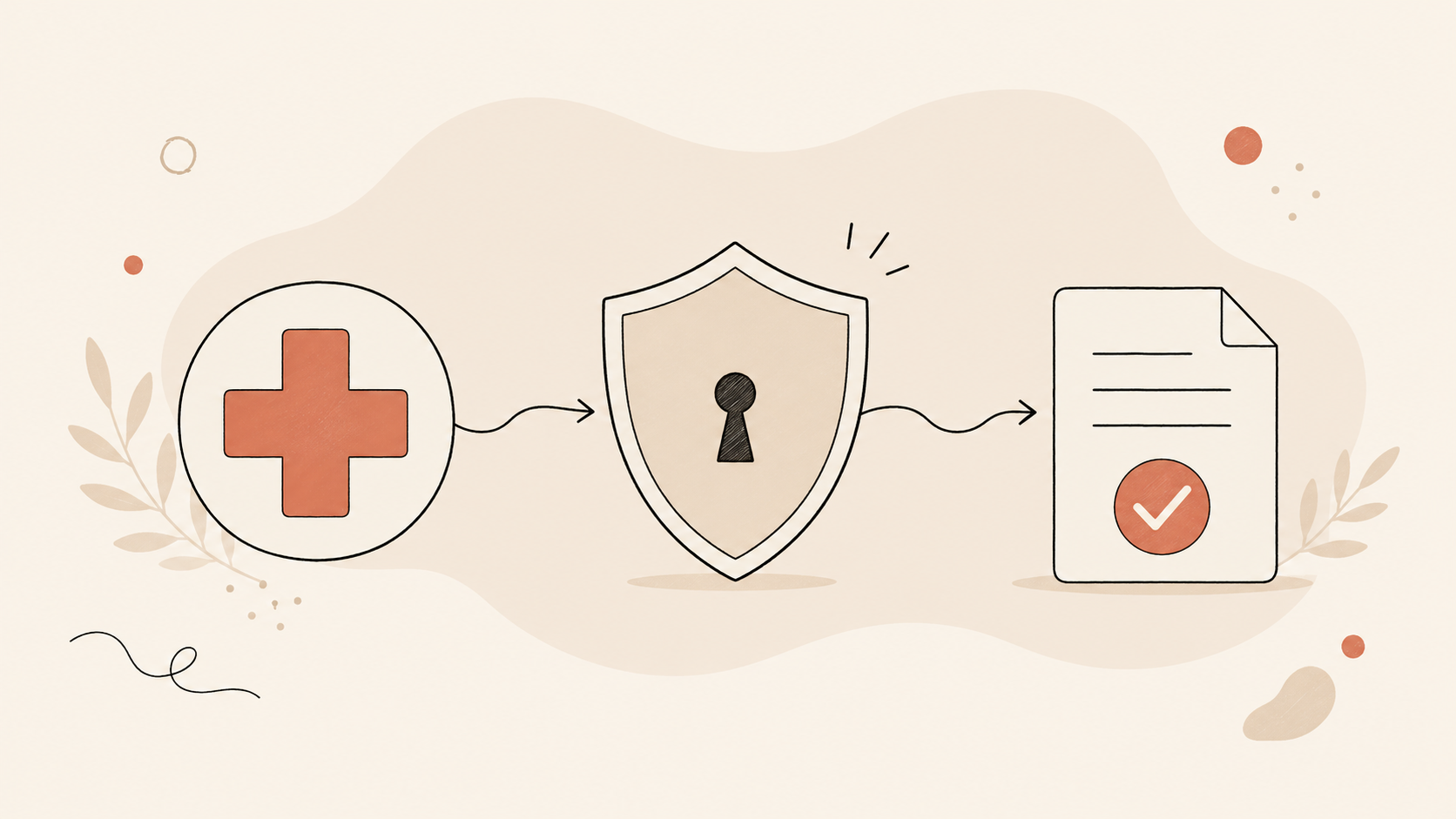
HIPAA doesn't ban AI. It governs how protected health information (PHI) is created, stored, transmitted, and disclosed. Any AI tool that touches PHI must:
- Be covered by a Business Associate Agreement (BAA) with your practice
- Encrypt PHI at rest and in transit
- Provide access controls — only authorized users see only the PHI they need
- Keep audit logs of who accessed what and when
- Have incident response and breach notification procedures in place
- Limit data use to what's specified in the BAA (no using PHI to train public models)
The U.S. Department of Health and Human Services publishes official HIPAA compliance guidance that's the authoritative source. Read it before signing any AI vendor agreement.
A common mistake: assuming that because a vendor lists "HIPAA-compliant" on their website, they're automatically safe. Always ask for the BAA, read it carefully, and verify their stated technical and administrative safeguards. A vendor without a BAA cannot legally handle your patients' PHI, no matter what their marketing says.
Use case 1: Patient intake chatbots (low-PHI mode)
The safest, highest-ROI starting point is a patient intake chatbot deployed in a "low-PHI" mode — meaning it collects only the minimum necessary information to determine fit, route to the right provider, and book the appointment. New patient name, contact info, primary concern (in general terms), insurance carrier — but not detailed medical history at this stage.
This handles the bulk of inbound inquiries without your chatbot ever needing to hold detailed PHI. The detailed intake happens after the patient is booked, in a secured patient portal where you already have HIPAA infrastructure.
Use case 2: Appointment booking and confirmations
A voice or chat AI agent that books appointments, sends reminders, and handles reschedules can run with minimal PHI exposure — names, appointment times, and provider assignments are the only data points required. Most practices see no-show rates drop 20–40% within the first quarter of deployment.
Use case 3: Refill management
Automating prescription refill requests is a high-ROI workflow. The patient initiates the request, the AI validates that the patient is active and the prescription is eligible for refill, routes the request to the prescribing provider, and updates the patient on status. This needs proper PHI handling — but the structure is well-defined and the workflow is clean.
Use case 4: Insurance verification
For new patient appointments, the AI can collect insurance information, verify in-network status with the carrier (where API access exists), and flag any pre-authorization needs. Many practices spend hours per day on insurance verification — automating it frees front-desk staff for higher-value work.
Use case 5: Patient education and FAQ
A chatbot that answers general patient education questions ("what should I expect at my first appointment?", "what is your cancellation policy?", "do you offer telehealth?") never needs to touch PHI. This is a clean, low-risk deployment with high engagement value.
Use case 6: After-hours triage routing
A voice AI agent that handles after-hours calls can triage — emergencies route immediately to the on-call provider, urgent non-emergencies are scheduled for same-day, routine matters book to the next available slot. The agent never gives medical advice; it only routes. This is a delicate deployment that requires careful scripting, but the patient experience improvement (and clinician sleep improvement) is significant.
Use case 7: Internal clinician knowledge assistants
For practices with multiple providers, an internal AI assistant trained on your protocols, templates, and prior patient charts (with proper access controls) lets clinicians pull precedent quickly. Strong time savings — particularly for residents and new hires learning your practice's protocols.
What AI should NOT do in healthcare (right now)
A short list of things AI is not safe to do alone:
- Diagnose — no matter how good the model, diagnosis requires a licensed clinician
- Prescribe — refill workflows are fine; new prescriptions require provider judgment
- Give medical advice without disclaimer and routing to a human
- Triage emergencies autonomously — emergencies must route to a human immediately, not wait for the AI to decide
- Communicate sensitive results to patients (positive test results, abnormal findings) — humans only
When in doubt, the rule is: AI drafts, AI routes, AI captures — but humans decide and humans communicate clinical content.
Vendor due diligence checklist
Before signing with an AI vendor for healthcare deployment, ask:
- Will you sign a BAA? If no, walk away.
- Where is patient data stored? US-based, encrypted, with documented retention?
- Who has access to PHI on your end? Engineers? Support? What controls?
- Do you use customer data to train models? Should be no for any healthcare deployment.
- What's your breach notification procedure? Must comply with HHS guidance.
- Can we run audits? SOC 2, HITRUST, or comparable third-party verification?
- What happens to our data when the contract ends? Deletion timeline, format, certification?
Get these answers in writing.
What it actually costs
For a small-to-mid practice (single specialty, 1–10 providers), AI deployment typically runs:
- Setup: $15,000–$60,000 depending on use cases deployed and integrations required
- Ongoing monthly: $1,000–$5,000 depending on volume
- Payback period: Most practices see net positive ROI within 90–180 days from front-desk time savings, no-show reductions, and captured after-hours bookings
The cost is higher than non-healthcare deployments because HIPAA-compliant infrastructure (encryption, BAAs, audit logs, access controls) adds engineering work. It's worth it.
For pricing context, see what AI chatbots actually cost in 2026.
What to deploy first
Start with the FAQ/education chatbot — zero PHI, low risk, immediate patient experience improvement. Add appointment booking next (month two). Add refill management in month three once your team is comfortable with the AI workflows. Save after-hours triage and clinician knowledge assistants for month four or later — these are higher-stakes deployments that benefit from team comfort with simpler workflows first.
For the broader chatbot service, browse our AI chatbot development services in New York. For voice deployments, see AI calling agent development services in New York.
Free HIPAA-aware AI strategy call
If you want a structured conversation about which AI deployments fit your practice — and the BAA and compliance details required to do them safely — book a free 30-minute call. No obligation, no payment, no pressure. We'll review your patient flow, map the highest-ROI deployments, and walk through the compliance scaffolding before you commit to anything. Message us on WhatsApp, email info@speedxmarketing.com, or reach out through our contact page.